Switching to i3wm from Gnome
i3wm configuration
If you like the tiling window manager like i3wm and you want to switch from Gnome there are somethings missing like the network manager applet, the volume control, add/connect bluetooth devices and in some cases the gnome-keyring to handle passwords, private keys and certificates.
To fix that, there are some config tweaks and programs that would make the switch to i3 better. For this i going to use Fedora 34
first we install i3 and some additional packages:
sudo dnf install i3 i3status-rs i3lock feh rofi blueberry network-manager-applet volumeicon flameshot numlockx lxappearancethen we can edit the configuration, under $HOME/.config/i3/config if it doesn’t exist copy from /etc/i3/config and add the settings
# this is already present in the config, but it needs the package network-manager-applet
exec --no-startup-id nm-applet
Dynamic menu
# rofi
bindsym $mod+d exec --no-startup-id rofi -show run -lines 10 -eh 2 -width 30 -padding 800 -font "Roboto Mono for Powerline 10"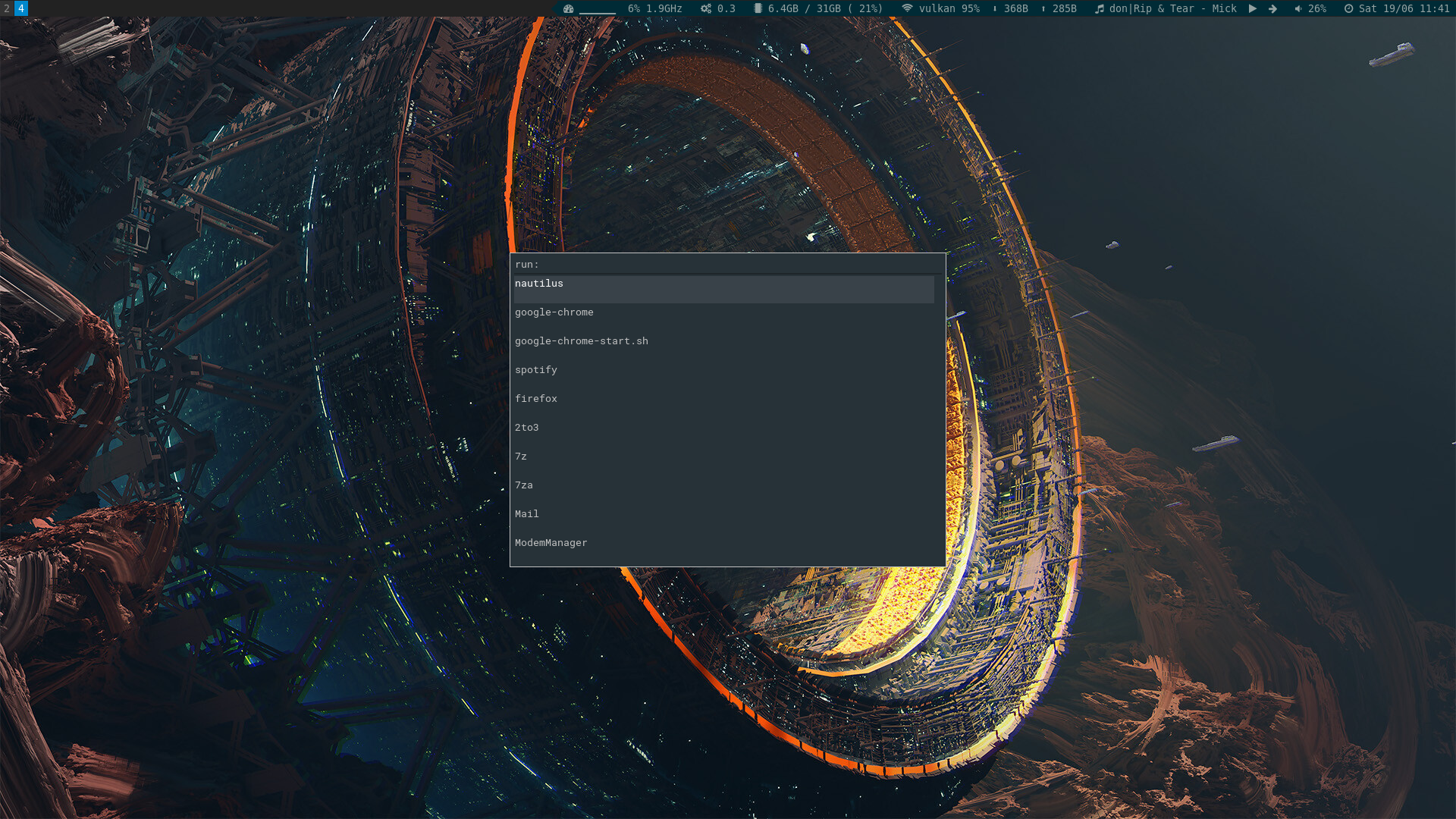
i3-rofi
Or if you prefer to use the default dynamic menu included on i3 instead of rofi
bindsym $mod+d exec --no-startup-id i3-dmenu-desktop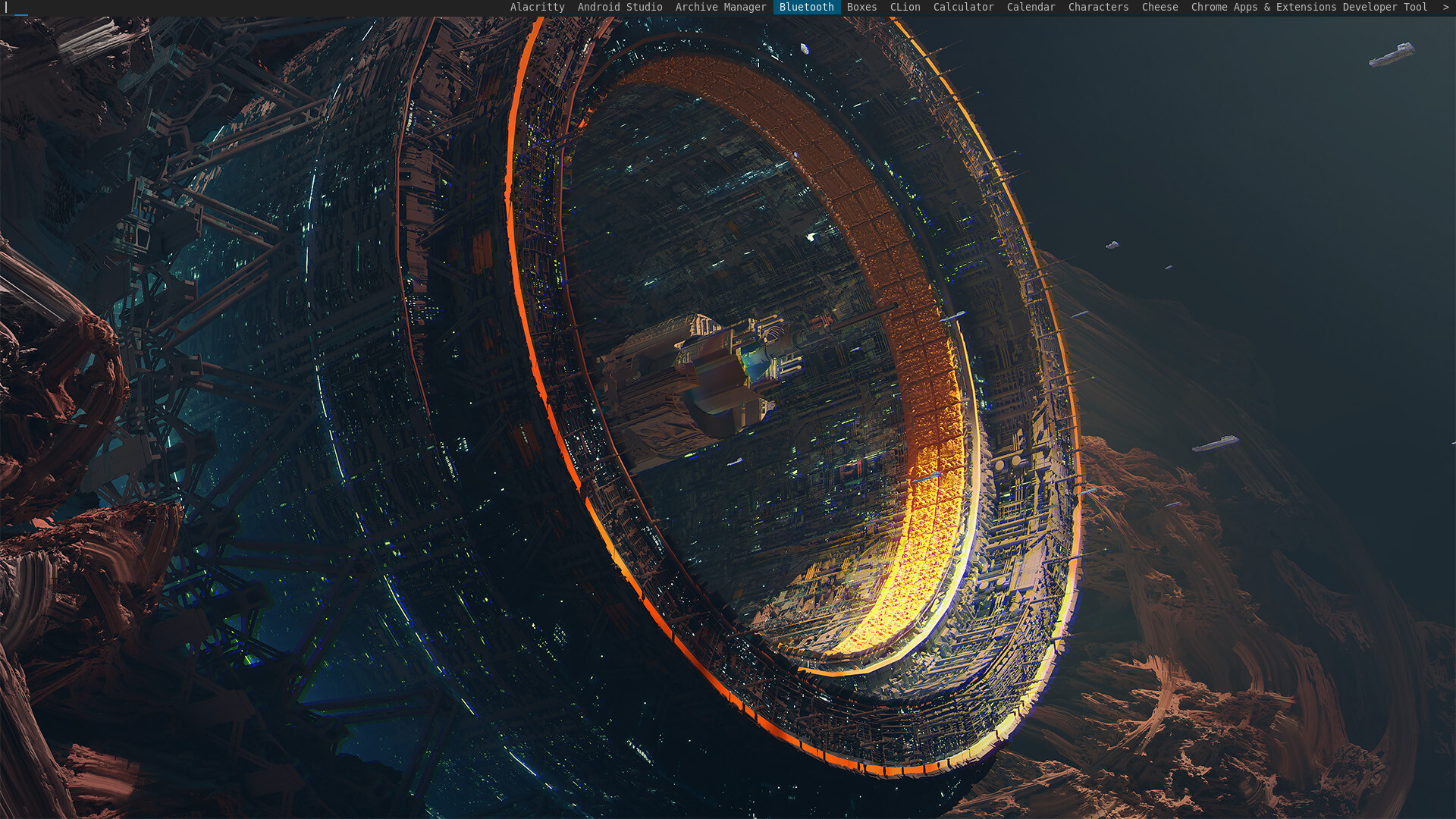
i3-dmenu
Bluetooth icon and settings
# bluethooth icon and settings
exec --no-startup-id /usr/lib/blueberry/blueberry-tray.py
exec --no-startup-id /usr/lib/blueberry/blueberry-obex-agent.py
Volumen icon
exec --no-startup-id volumeiconVirtual Machines Spice protocol, useful if you are working with virtual machines and share the clipboard content with the host
exec --no-startup-id /usr/bin/spice-vdagentMetadata trackers, for file preview thumbnails
exec --no-startup-id /usr/libexec/tracker-miner-fs
exec --no-startup-id /usr/libexec/tracker-extract
exec --no-startup-id /usr/libexec/tracker-miner-rss
Looks and feel GTK apps and icons
lxappearance can help to write the gtkrc settings to set the icon/theme/cursor settings
it will write the config on $HOME/.gtkrc-2.0 and $HOME/.config/gtk-3.0/settings.ini
exec --no-startup-id gdbus call -e -d org.freedesktop.DBus -o /org/freedesktop/DBus -m org.freedesktop.DBus.StartServiceByName org.freedesktop.Tracker1 0
exec --no-startup-id xdg-user-dirs-update
Gnome keyring
exec --no-startup-id /usr/bin/gnome-keyring-daemon --start --components=pkcs11
exec --no-startup-id /usr/bin/gnome-keyring-daemon --start --components=secrets
exec --no-startup-id /usr/bin/gnome-keyring-daemon --start --components=ssh
Status bar
bar {
    font pango:DejaVu Sans Mono, FontAwesome 10
    position top
    status_command i3status-rs $HOME/.config/i3/status.toml
    colors {
        separator #666666
        background #222222
        statusline #dddddd
        focused_workspace #0088CC #0088CC #ffffff
        active_workspace #333333 #333333 #ffffff
        inactive_workspace #333333 #333333 #888888
        urgent_workspace #2f343a #900000 #ffffff
    }
}
Numlock active
# numlock
exec_always --no-startup-id numlockx on
Desktop screenshots
# screenshot app
exec_always --no-startup-id flameshot

# screenshot current screen, where the pointer is, delay 3 seconds
bindsym --release Print exec flameshot screen -d 3000 -p /home/user/Pictures

# screenshot gui to anotate image
bindsym --release Shift+Print exec flameshot gui -p /home/user/Pictures
Screen view with the status bar and the applet icons for blueberry, flameshot, NetworkManager and Volume icon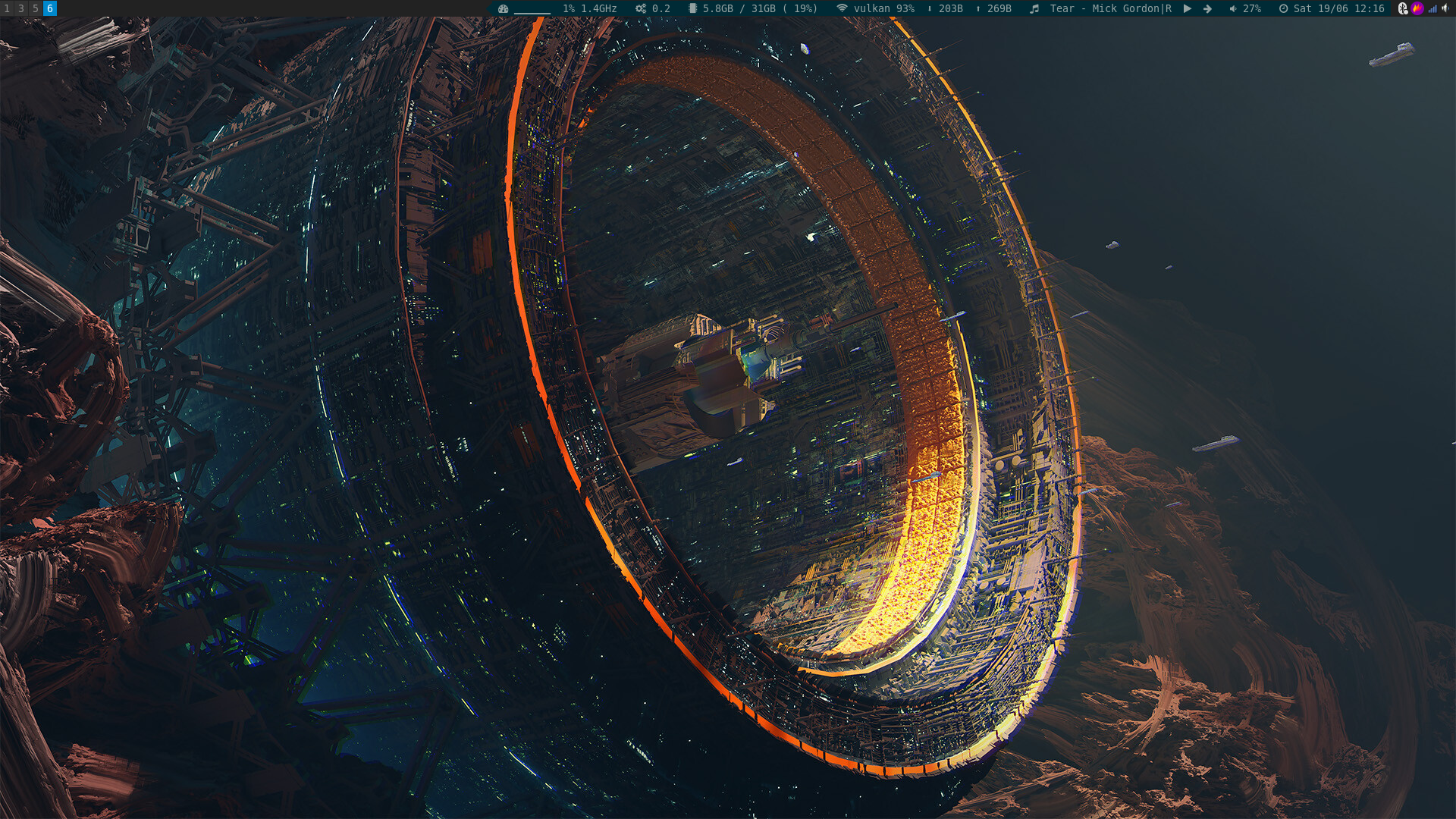
i3
Bonus
For dual monitors you can use RandR and arrange the monitor position, using xrand commands my current setup has dual monitors one connected with display port and the other with hdmi
To check the monitor information you can use
xrandr -q# dual monitor config i3
exec --no-startup-id xrandr --output DisplayPort-0 --auto --left-of HDMI-A-0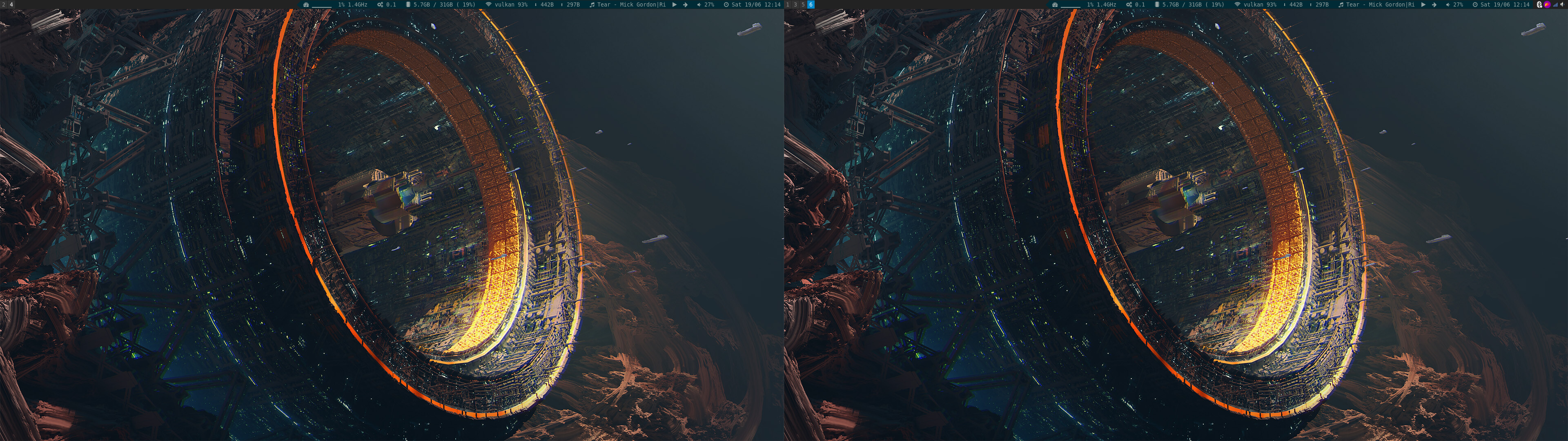
i3-dual-monitor
And last for Google Chrome, the sync is paused when we switch to i3, and that is because the password store change
depending on the desktop environment on i3 it switch to plain but on Gnome it use the keyring to fix this you only need to
start Chrome with the parameter password-store
google-chrome --password-store=gnomeSome references: